Wedding Uplighting: What a Photo Editor Can Fix
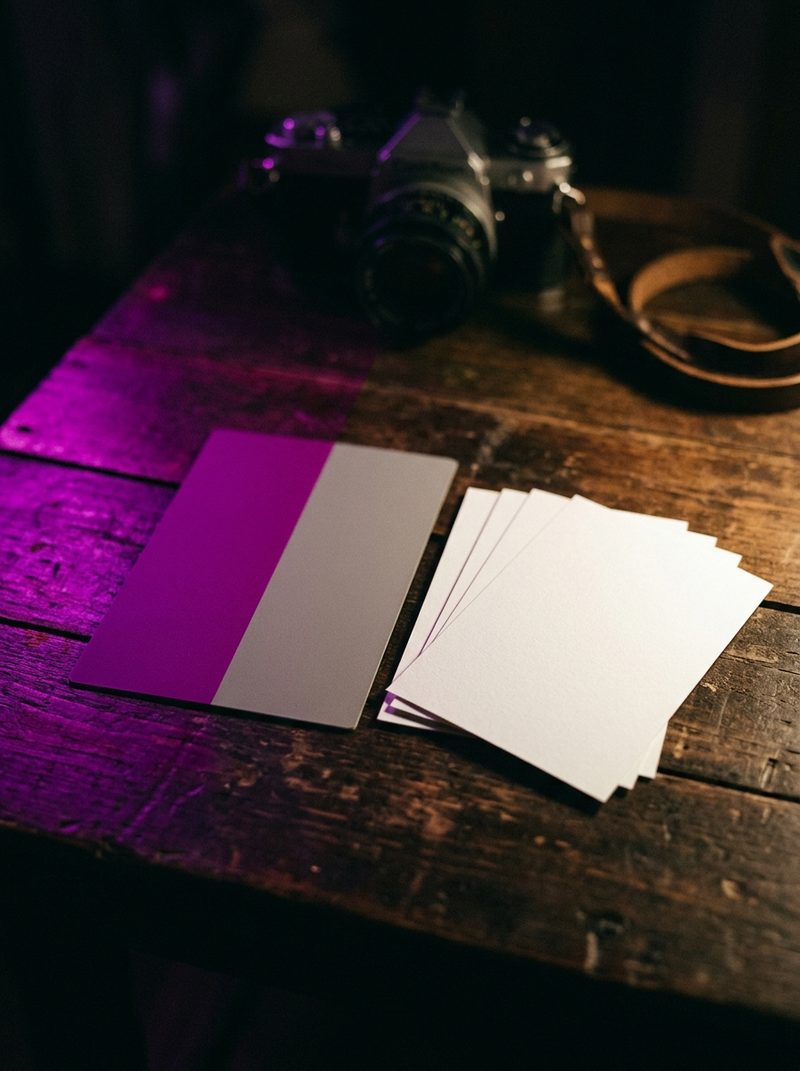
Colored uplighting can almost always be corrected where it falls on the room, and only partly where it falls on skin. If a flash lit the faces, a reception shot under purple or red LEDs is very recoverable. If the only light on a face was the uplight itself, editing can improve the frame but cannot make the skin look natural, and black and white is often the honest finish.
Search for help with this and you mostly find editing software companies publishing general guides to editing styles. The useful question is narrower: which frames in this particular reception can be saved, which cannot, and how to keep the gallery looking like one room.
Why does uplighting ruin skin tones?
Because it removes color information rather than shifting it. Daylight and tungsten contain a broad, continuous spread of color. Inexpensive LED uplights produce a few narrow bands of it, so a face lit only by a magenta uplight is missing much of the color that makes skin read as skin.
White balance assumes the whole image moved in one direction that can be reversed. Here, nothing moved. Parts of the spectrum were never there, and pulling a magenta face toward neutral leaves it gray, green or muddy. It is the same reason white balance cannot rescue uplighting in video, which we cover in our guide to matching multiple cameras.
What can an editor fix?
More than most photographers expect, provided the faces had some other light on them.
- The room. Walls, drapes and ceilings washed in color can be kept, softened or pulled back. Usually the color should stay recognizable, because the couple chose it and it is part of how they remember the night.
- Faces lit by flash. On-camera or off-camera flash puts clean light on the people while the uplighting colors everything behind them. The skin can be corrected to the flash and the room left its own color. This is the most common case and the most recoverable one.
- Light bounced onto skin. A mild cast picked up from a colored wall or tablecloth can be corrected on the face alone without touching the rest of the frame.
- Consistency across the reception. Frames taken seconds apart under a color-changing wash can swing from purple to blue to red. An editor can bring a sequence into one consistent range, so the dance floor reads as one room rather than a slideshow of lighting cues.
What cannot be fixed?
- Faces lit only by a saturated uplight. The cast can be reduced and the frame improved, but natural skin cannot be restored from light that never contained it.
- Clipped color. When one color channel on a face is blown out, the detail in it is gone, and correcting the hue exposes flat, textureless patches.
- Two colors on one face. Magenta on one cheek and warm tungsten on the other can be softened, but the face will still read as lit by colored light, because it was.
- Rapid lighting effects. Chases, strobes and color cycles mean every frame in a burst had different light, which limits how consistent that sequence can ever look.
None of these are failures of the edit. They are what the room did, and the most useful thing an editor can do with them is recognize them early rather than chase them frame by frame.
When is black and white the right answer?
When the moment matters more than the color, and the color cannot be made honest. Converting removes the cast entirely and keeps the expression, which is what the family will care about in that frame.
It is not a one-click fix. A face lit by one narrow color converts unevenly, so skin can look blotchy unless the conversion is balanced by hand. And decide by sequence, not by frame. A handful of black and white images scattered through a color reception looks like a rescue. The first dance delivered in black and white looks like a choice.
Is it color correction or retouching?
Bringing a reception back into one consistent range is color correction. That is part of our Photo Edit Bundle, which covers up to 700 images for $175 with color correction and style matching across the full gallery.
Correcting a cast on individual faces is closer to retouching, and it sits on the list of things most photographers expect an editor to handle. Agree how far it goes before the gallery is edited, because face-by-face work is exactly where scope disagreements start.
What should you tell your editor?
- Whether the room's color should be kept, softened or neutralized. This is a style decision, and it is yours.
- Whether you used flash through the reception, and which sequences were ambient only.
- Your black and white policy: allowed or not, and whether it may be applied to a whole sequence.
- That skin comes first. If the choice is between a natural face and an accurate room, say which wins.
Those four lines belong with the rest of your editing brief. They settle most reception revision notes before anyone has to write them.
What can you do on the day?
- Use flash on faces at the reception, even as gentle fill. It is the difference between a correction and a rescue.
- Ask the planner or DJ which colors are planned and whether effects will run during the first dance and toasts. A request for a static setting during key moments costs nothing to make.
- Shoot a grey card under each lighting setup. It gives the editor a reference for what the room actually did.
- Shoot raw. A compressed file has already thrown away some of the color information the correction needs.
The bottom line
Keep the room's color, correct the faces, and use black and white by sequence when color cannot be made honest. Most uplighting problems are decided at the reception, not in the edit.
Flash on the faces turns this from a rescue into routine color correction. Without it, an editor can make a purple reception better, and cannot make it natural.