Wedding Audio: What an Editor Can Fix, and What Is Gone Forever
There is one audio failure that no editor, and no software, can undo: clipping. When a signal exceeds what the recorder can store, the peaks are not quietly squashed, they are discarded. The data is not hiding under the distortion. It was never written.
Almost everything else is negotiable. Too quiet can be raised. Wind can be filtered. A noisy room can be cleaned up further than it could three years ago. Understanding which category a problem falls into is what separates a wedding you can rescue from one where you have to tell the couple their vows are unusable.
Every guide on this subject is written from behind the camera, and they all give roughly the same gear advice. This one is written from the other end, where the files arrive.
Why is clipping unrecoverable when everything else is not?
Because clipping is missing information rather than damaged information. Noise, reverb and hum are unwanted signal added on top of the recording, so a tool has something to separate. A clipped peak is a flat line where the waveform used to be, and there is nothing to separate it from.
This has one direct consequence for how you set levels on a wedding day. Record low. Peaks around minus twelve dBFS leave headroom for the moment the officiant laughs into the mic or the best man shouts. A recording that sits too quiet costs you some noise floor when it is raised in post. A recording that clips costs you the vows.
Wedding audio is uniquely bad for dynamic range. A ceremony moves from a whispered vow to applause within seconds, and you get no second take. Bias every level decision toward the quiet side.
Which audio problems can actually be fixed in post?
Ranked by how reliably an editor can rescue them, from routine to hopeless.
- Too quiet. Routine. Gain it up and manage the noise floor. This is why recording conservatively is correct.
- Steady background noise, meaning air conditioning, traffic, a generator, room hiss. Very fixable now. Voice isolation tools have genuinely changed this in the last few years, and results that used to sound processed now often do not.
- Wind. Usually fixable if it is rumble, because that lives low in the spectrum and can be filtered out from under speech. Not fixable if the gusts were strong enough to clip, because then it is a clipping problem wearing a wind costume.
- Room reverb, meaning a stone church or a hard-walled barn. Partially fixable and much better than it used to be, but reverb is baked into the signal rather than layered on top, so heavy correction starts to sound artificial.
- Mains hum and interference. Usually fixable with notch filtering if it is a steady tone. Intermittent radio interference on a wireless system is a different problem and is closer to dropout.
- Dropouts from a wireless link. Not fixable. The audio does not exist for those seconds. The only remedy is another source, which is the entire argument for a separate recorder.
- Clipping and distortion. Not fixable. Mild cases can be softened enough to be tolerable, but the original is gone.
The pattern worth remembering: anything that was added to your recording can usually be reduced. Anything that was never recorded, or was destroyed on the way in, cannot be recovered by anyone.
Has AI actually changed what is salvageable?
Yes, but only in one direction. Voice isolation and speech enhancement tools genuinely rescue noise, room tone and moderate reverb in a way that was not practical a few years ago. They do nothing for clipping or dropouts, because those are missing data rather than unwanted signal.
This matters because it changes what is worth capturing. Ambient and camera-mounted audio that would once have been written off as too noisy to use is now frequently recoverable enough to serve as an emergency backup. It is still the worst source in the bag, and it is still better than nothing.
One caution. These tools can be pushed too far, and over-processed speech has a distinctive hollow, underwater quality that is worse than honest room noise. Ask for the original alongside the cleaned version so you can compare.
What should you actually record at a ceremony?
Three independent sources, none of which depend on the other two working. Redundancy at a wedding means independence, not quantity.
- A lav or transmitter on the officiant, which captures both partners' vows at most ceremonies because the officiant stands between them.
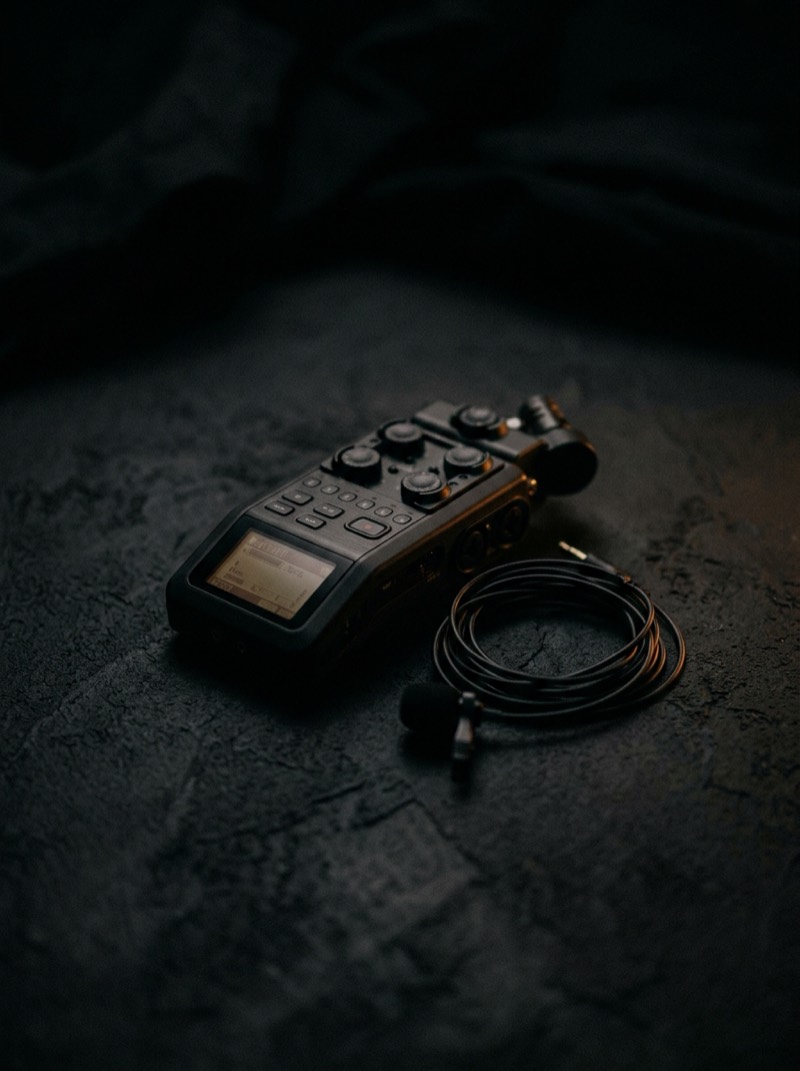
- A second source on one of the partners, ideally a small recorder in a pocket rather than a wireless link, since a recorder has no radio path to fail.
- A feed from the venue or DJ board where one exists, plus whatever your cameras capture as scratch audio for sync.
The critical detail, and the one most often skipped: do not run your only wireless signal straight into a camera with no local recording. If the link drops, nothing anywhere holds those seconds. A recorder capturing locally at the source survives every radio problem, every battery problem, and every range problem, because it is not transmitting at all.
How should audio be packaged for an editor?
Send every source separately, unprocessed, and labeled by what it is and when it ran. An editor with four clearly named raw sources can build the best possible mix. An editor with one file called AUDIO_004 has to guess what it is before deciding whether it helps.
- Do not pre-mix. Mixing throws away the choice between sources at exactly the moment where the choice matters most.
- Do not pre-process. Noise reduction applied on your machine cannot be undone on theirs, and it removes the option to try something better.
- Name by source and moment, for example LAV_OFFICIANT_CEREMONY or RECORDER_GROOM_CEREMONY, not by device file numbering.
- Include camera scratch audio even when it is bad. It is often the fastest and most reliable sync reference an editor has.
- Flag known problems with timestamps. 'Groom's lav rustles from 6:10 to 7:00, use the officiant source there' saves an hour of discovery and usually a revision round.
The failure that is not about gear
Long recordings from separate devices can drift out of sync over time, and it is not always the editor's error. Independent recorders running on their own clocks will slowly diverge across a forty minute ceremony, and a sample rate mismatch between devices makes it worse.
Set every device to the same sample rate before the day, and give your editor a clap, a slate, or any sharp transient at the start of each recording. Ten seconds of discipline removes a category of problem that is genuinely tedious to fix and completely invisible until someone notices the vows drifting behind the picture.
What to tell a couple when audio is genuinely lost
Tell them early, tell them precisely which moment is affected, and arrive with the alternative already decided. A ceremony cut to music with the vows shown rather than heard is a legitimate film, and couples accept it far better when it is presented as a considered choice than when they discover it in the delivery.
What they do not forgive is silence from you followed by a film that quietly avoids the vows. The audio failure is bad luck. The handling is a decision.
The bottom line
Set levels low, record three independent sources, never let a wireless link be the only path for anything, and send every source raw and labeled. That covers essentially every recoverable failure and most of the unrecoverable ones.
The one rule underneath all of it: an editor can subtract what should not be there, but nobody can add back what was never captured. Clipping and dropouts are the two failures that end the conversation, and both are prevented on the day for free.