Editing Camcorder Footage Into a Wedding Film
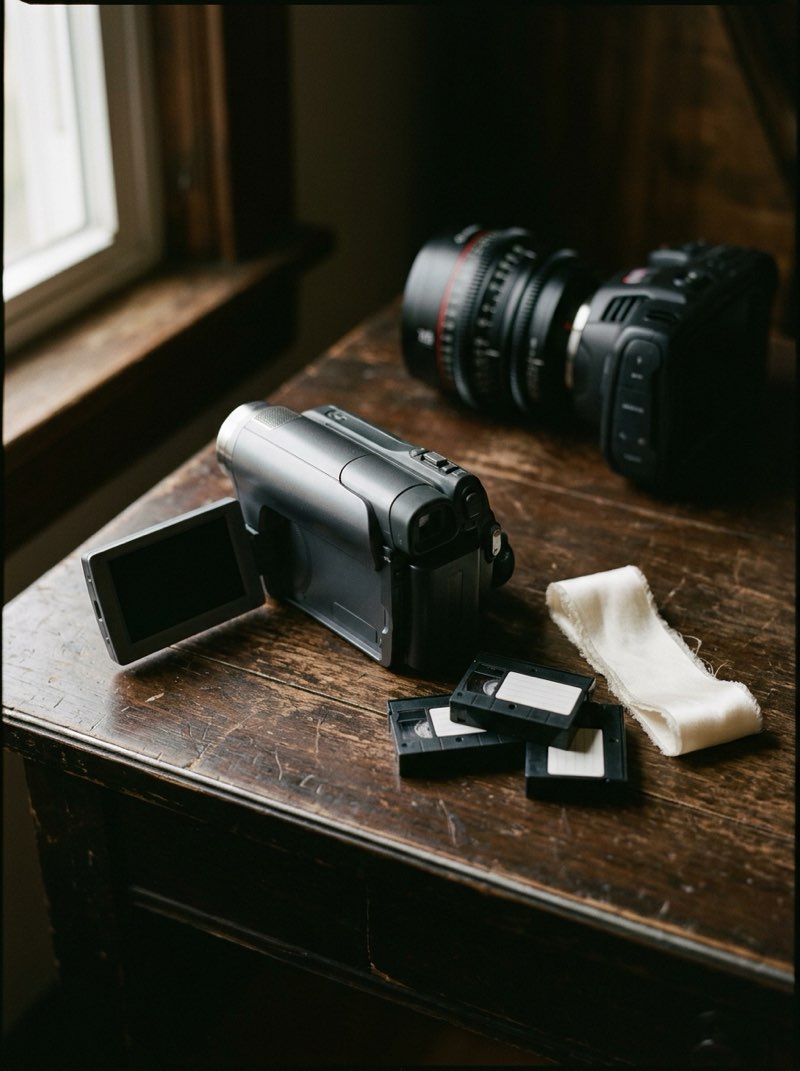
Camcorder footage works best in a wedding film when it is allowed to stay a camcorder: its own frame, its own frame rate and its own sound. Decide before the wedding whether it becomes a short film of its own or texture inside the highlight. Most of the work is not the look. It is turning hours of tape and guest footage into something an editor can use.
The camcorder has come back to weddings, and almost everything written about it is for couples: rental companies, trend pieces and vendors offering a camera to pass around the reception. Nothing covers what happens afterwards, when that footage lands in an edit built for 4K.
What are you actually working with?
Camcorder covers three different things, and they edit very differently. Find out which one is coming before the wedding.
- Tape camcorders (MiniDV, Hi8, Digital8). Nothing can be edited until it is captured from the tape, and capture runs in real time: an hour of tape takes an hour to bring in, on a camera or deck that still works and a connection most modern computers no longer have.
- Older file-based camcorders, recording to a disc, hard drive or memory card. There is no capture step, but the footage is usually standard definition, often interlaced, and sometimes in a format that needs converting before it will edit smoothly.
- Newer budget camcorders bought for the look. They record HD files to a memory card and handle like any small camera. The lo-fi feel comes from the small sensor and lens, and they are by far the easiest of the three to edit.
Inside the film, or beside it?
Agree this with the couple when the camcorder is booked, not in the edit. There are three honest options.
- A camcorder film of its own. A short edit of the camcorder footage, cut at its own frame rate and aspect ratio, with its own sound. This is the cleanest option and the easiest to explain.
- Texture inside the highlight. Camcorder clips cut between the main cameras, usually at the reception. It works when the switch is obvious and deliberate, with a different frame and a different sound. It fails when the clips are stretched to fill the screen and graded to almost match.
- Raw footage only. Handed over as captured, with no edit. Treat it like any other raw footage request, and put it in the contract.
Why does it look broken on a modern timeline?
Three technical differences cause almost every problem, and each one has a right answer.
- Interlacing. Standard definition camcorders usually record interlaced video, two half pictures per frame. On a progressive timeline, every movement shows comb-like lines across edges. Deinterlace the clips before you cut them. Every major editing program can.
- The 4:3 frame. Do not crop it to fill a widescreen frame. Cropping throws away a quarter of an already small picture, and stretching it makes every face wider. Keep the 4:3 frame with bars at the sides, and let the shape tell the viewer the source has changed. Scale it up without sharpening, which adds halos rather than detail.
- Frame rate. Most camcorders sold in North America record at roughly 30 frames per second, and cinematic wedding films are usually cut at 24. Dropped into a 24 frame timeline, camcorder motion stutters. Cut a camcorder film of its own at the camcorder's frame rate. For clips inside the highlight, either accept the change in motion as part of the look or convert them deliberately, not by default.
Why is the audio the point?
A camcorder catches what your cameras do not: what guests say to each other when they think they are only filming a friend. The built-in microphone is poor, and every clip will have handling noise and levels that jump around. That sound is still the reason couples want this footage. Keep it audible. A camcorder edit buried under a music track is a slideshow of soft video.
Listen to every clip before it goes in, for the same reasons you check a toast before it goes in the shared version. Guests holding a camcorder late at night say things they would never say into a microphone.
Where does the time actually go?
Into the footage, not the look. A camcorder passed around a reception comes back with hours of material: pockets, ceilings, the dance floor from knee height, and the same friends filming each other. Finding the few minutes worth keeping means watching all of it.
Tape adds capture on top, because every hour recorded is an hour of capture before the watching starts. Price the add-on for that time rather than for the camera, the same way you price any edit.
Two things keep it under control. Limit the tapes or cards you hand out, so the footage has an end. And brief whoever holds the camera: short clips, point it at people, and talk to them.
What should you send your editor?
- Files, not tapes. Capture or convert everything before it leaves you, and keep the originals until the film is delivered.
- The camcorder footage in its own folder, separate from the main cameras, with the format noted: interlaced or progressive, frame rate and aspect ratio.
- Which of the three it is for: a film of its own, texture inside the highlight, or raw only.
- Whether the date stamp should show. Many camcorders display the date only on their own screen and do not record it into the picture unless a date setting was switched on, so check before you promise it.
The bottom line
Camcorder footage works when it is allowed to look and sound like a camcorder. Keep its frame, its frame rate and its audio, and settle its place in the delivery before the wedding.
Most of the cost is in capturing and watching hours of guest footage, not in creating the look. Price for that time, put a limit on the footage, and send your editor files rather than tapes.