Editing Drone Footage Into a Wedding Film
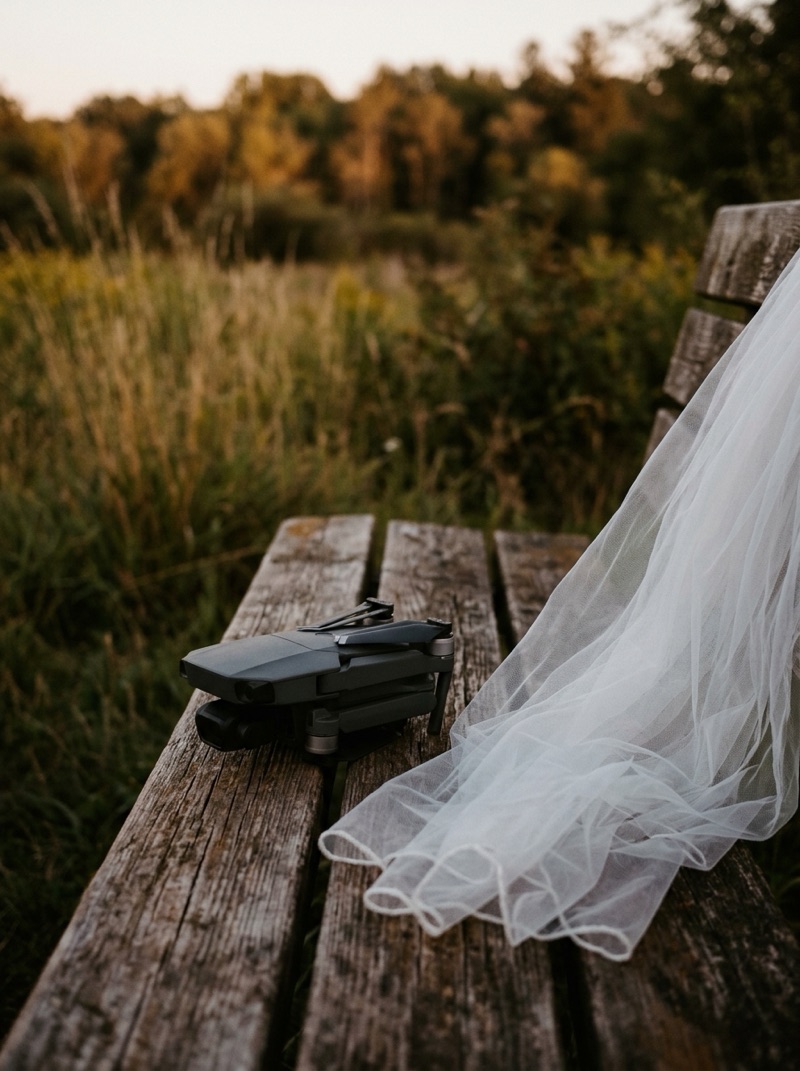
Drone footage works in a wedding film as punctuation: a few seconds that show where the day happened, open or close a chapter, or step back after an emotional peak. Most of what goes wrong with it is not technical. It is too many aerials, held too long, in the wrong places. The technical problems (frame rate, color and blown-out whites) are mostly settled before the drone takes off.
Search for this and you find drone makers' shooting tips, template apps and pilot forum threads. Almost nothing covers what an editor does once the aerial clips land in a wedding timeline.
What is drone footage for in a wedding film?
Things that only height can show:
- Place. The venue in its landscape, the city around it, the distance between the ceremony and the reception.
- Scale. The couple small in a large space, which says something about the day that a close-up cannot.
- Transition. A move from one location, or one part of the day, to the next.
- Release. A slow pull away after the peak, which lets the film breathe before it ends.
It is not for anything that depends on faces or words. Vows, speeches and the first look belong to the ground cameras.
How much is too much?
A useful test: cut every aerial in the film together. If the result plays like a promo for the venue, there are too many. The couple is the subject, and every aerial is time spent away from them.
Give each chapter one aerial at most, and hold it only as long as its move takes. A highlight is ordered by feeling, and aerials work best at the turning points of that order: the opening that sets the tone, and the release after the peak.
In a documentary edit, which promises the day in order, keep aerials to chapter openers between events.
Why does the frame rate matter?
A wedding film is usually edited at 24 frames per second or close to it. A drone left on a different rate does not drop in cleanly. A clip shot at 30 and placed in a 24 timeline loses frames, and slow, smooth aerial moves show the resulting stutter more than almost anything else in the film.
Footage shot at 60 frames per second and played at 24 runs at 40 percent speed with every frame used, which is why slow aerial moves are often shot that way. Whatever the plan, set the drone's frame rate to match the project before the flight, not in the edit.
How do you match the color?
Treat the drone as one more camera, usually the hardest one to match. Its sensor is small, its color profile differs from your main cameras, and it was often flown at a different time of day from the shots around it. Grade it into the same look as everything else, with skin as the priority wherever the couple is in frame, the same way you approach matching multiple cameras.
Watch the whites. A white dress in bright sun is the first thing to clip on a small sensor, and blown highlights cannot be recovered in the grade, a problem shared with guest phone footage.
Keep the horizon level. A tilted aerial looks like a mistake in a way that a tilted handheld shot does not. Straightening it in the edit costs a crop, so the cleaner fix is on the day.
What about sound?
Drones record no usable sound, so every aerial sits under music or under sound from the ground: a line of the vows carried over the pull away, or the room's applause continuing over the exterior. Decide which while you build the structure, rather than treating it as a gap to fill at the end.
What should you tell your editor?
- Which clips are aerials, kept in their own folder, with the frame rate and color profile they were shot in.
- Which moment or location each flight was meant to cover.
- Any aerial you consider essential, such as the venue at sunset, and any you know failed.
- Whether the venue or the couple asked for no aerial shots of guests. That limit applies to the edit as well as to the flight.
The bottom line
Use drone footage for what only height can show: place, scale, transition and release. Keep it to one aerial per chapter, set the frame rate before the flight, and grade it as the hardest camera to match.
If your aerials cut together into a venue promo, cut most of them. The couple is the film.