Editing Guest Phone Footage Into a Wedding Film
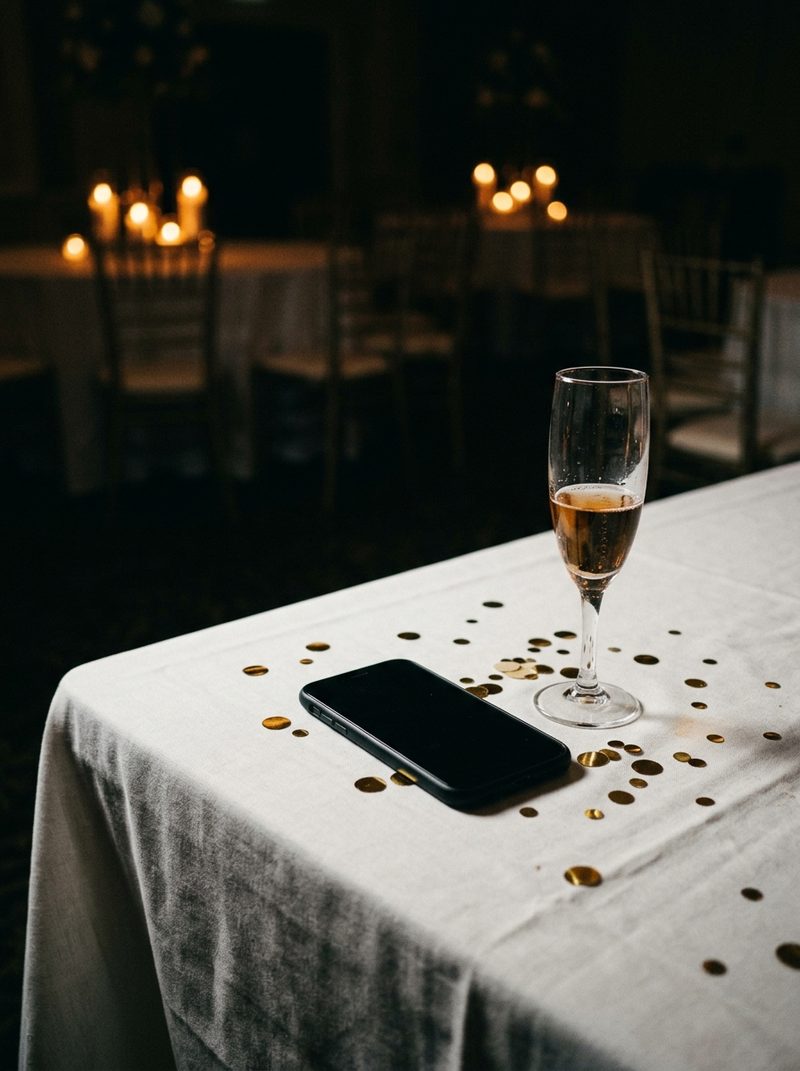
Guest phone clips can earn a place in a wedding film, usually as a short sequence of moments the hired cameras could not be in: the dance floor from the middle of the crowd, a toast from the next table, the getting ready that happened in another room. They will never match professional footage, and they should not try to.
Search for help with phone footage and you find software forums full of people fixing washed-out iPhone clips. None of it deals with the wedding version of the problem, where a couple sends a folder of guest videos and expects them in the film. This is that version.
Why do phone clips look washed out in the edit?
Because many of them are HDR. Recent iPhones record HDR video by default, and many other phones offer it. Placed in a standard wedding timeline without conversion, those clips look blown out and flat, brighter and grayer than everything around them.
The fix is to convert HDR clips to standard range before grading them. Current versions of Premiere Pro and DaVinci Resolve can both do this, though the setting lives in different places. Conversion cannot recover highlights that were already clipped to white when the clip was recorded, so a blown-out face stays blown out.
What do you do with vertical clips?
- Crop to horizontal when the subject sits in the middle of the frame and there is enough resolution to spare.
- Use two or three vertical clips side by side as a deliberate sequence, so the shape reads as a choice.
- Save the best vertical moments for the social cut, where vertical is the native shape.
Avoid filling the sides with a blurred copy of the same clip for more than a moment. It reads as a fix, and it draws attention to the one shot that does not belong.
Why does phone footage stutter or drift?
Phones often record at a variable frame rate, speeding up and slowing down to save power. Editing software can show that as stutter, or as audio that slowly drifts out of sync. Converting the clips to a constant frame rate before editing avoids most of it.
Which files should couples send?
The originals. A clip forwarded through a messaging app, or saved from a social media post, has already been compressed and sometimes cropped, and the damage cannot be undone in the edit.
- Ask guests to share through a link or shared album that keeps original quality.
- Ask for whole clips rather than trimmed ones, so there is room to cut.
- Set one deadline for everything, so footage does not keep arriving after the edit has started.
Then hand it to your editor in its own clearly labeled folder, separate from your own cameras, so nobody mistakes a guest clip for a missing angle.
How much guest footage belongs in the film?
Less than couples expect. Use it for what only a guest could see, keep it in short sequences, and let it look like what it is. Trying to grade a phone clip until it matches a cinema camera fails for the same reason matching any two very different cameras fails.
Most of the cost is in watching it all. A folder of guest clips can hold hours of footage for a few seconds of use, which is the same arithmetic as camcorder footage. Put a limit on what you will review, and agree it before the wedding.
What should the contract or brief say?
- Whether guest footage is included, and how many clips or minutes you will review.
- That only original files are accepted, by a set deadline.
- That guest footage is used where it adds something, not in full.
- That its quality will not match the professional coverage.
The bottom line
Guest phone footage is worth including for the moments only guests saw. Get the original files, convert HDR, fix the frame rate, use vertical clips on purpose, and keep the sequences short.
Set the limits in writing before the wedding, and guest footage becomes a small extra that couples love rather than a folder that eats a week.