Editing a Wedding Film Shot on One Camera
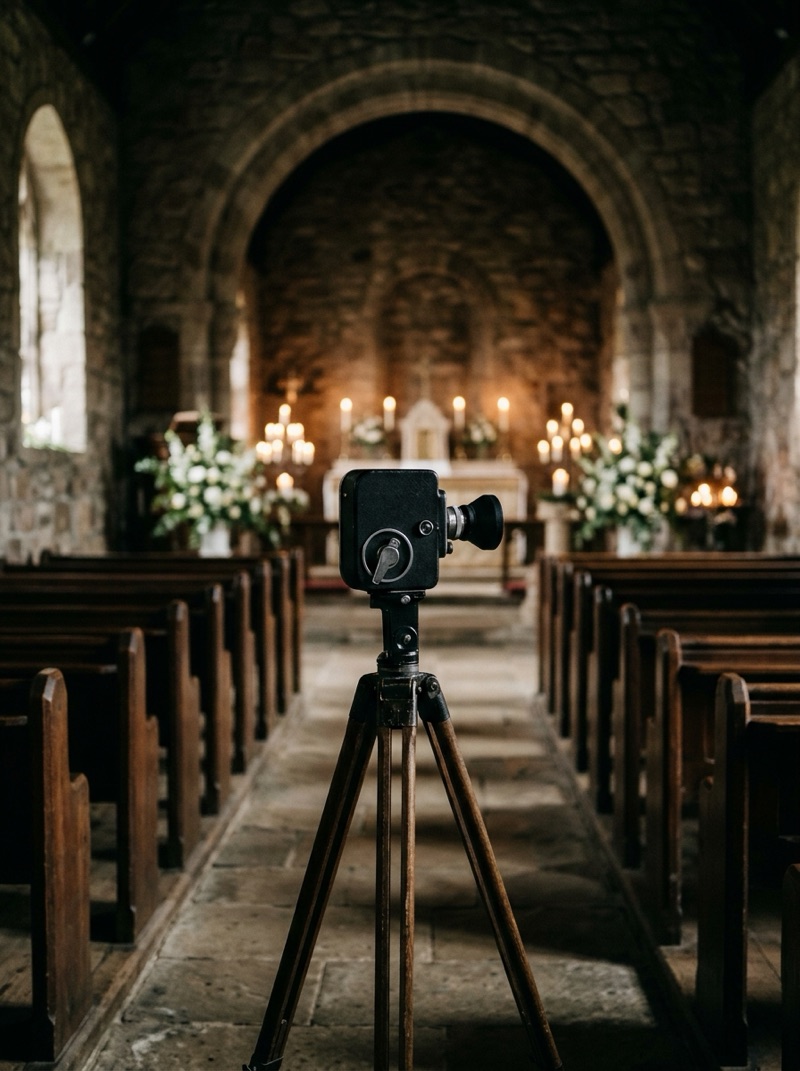
A one-camera wedding is edited around what that camera could not see. There are no cutaways, so a trim inside a speech shows as a jump. There are no reactions, so the listener is missing. And every move the camera made during the vows ends up in the film. The edit leans on three things: complete audio from separate recorders, punch-ins from a larger frame, and shots of the same event taken before or after the moment.
Search for this and you find solo shooters swapping filming advice on forums and YouTube, and guides to shooting a wedding alone. Very little covers what an editor does with the footage once it arrives.
What does a single camera leave out?
- The reaction. One angle shows the speaker or the listener, rarely both.
- Cover. When focus misses or a guest stands up in the shot, there is no other angle to cut to.
- A place to cut. Shortening a speech on a single shot makes the speaker jump.
- Continuity through moves. If the camera changed position mid ceremony, the move is in the footage.
None of these is fixable by grading, and most are only partly fixable by editing. The rest of this post is about the part that is.
Why does the edit start with audio?
Because in a one-camera wedding the recorders are the second angle. A recorder on the officiant, one on a partner, the lectern microphone and the DJ's feed each run whole, even when the picture has to move. Build the ceremony and every speech on the best sound first, then lay picture over it.
That order also tells you early what the film can promise. If a toast was recorded badly, find out what can be fixed in the audio before you plan the edit around it.
How much can a punch-in do?
A lot, if the resolution allows it. Footage shot in 4K and delivered in HD has twice the width it needs, so a frame cropped to half its width still fills a 1920 pixel frame without being enlarged. That gives a solo shooter two shot sizes from one camera: the wide as shot, and a close-up cut from it.
The two sizes are the same take, so cutting between them never breaks time. That makes a punch-in the most honest way to hide a trim: cut from the wide to the close-up at the end of a sentence, and the jump becomes a shot change. If you deliver in 4K, the same crop has to be enlarged and will soften, so keep punch-ins small.
How do you cut a speech with one angle?
It depends on which film it is going into. In a documentary edit, which promises the event whole, the simplest answer is often not to cut at all and to let a single well framed shot carry the toast.
Where a trim is needed, hide it with a punch-in or with a shot of the room taken during the same speech. Do not cover it with a laugh or a tear from another part of the night. That is substitution, which a documentary edit cannot use, as we explain in editing around missing wedding footage.
A highlight is freer. It is ordered by feeling, so a line from a toast can play over the couple on the dance floor without pretending to be anything else. The constraints of cutting a speech down still apply.
What about the ceremony?
With one camera, the position you chose decides the ceremony. A move during the vows leaves a gap in the picture while the sound runs on. The edit can hide that gap only with a punch-in on either side of it, or with a held detail of the same space while the words continue. Neither is invisible, so the real fix is upstream: pick a position that sees both faces and stay there until the recessional.
Where does B-roll fit?
Details, the empty room and the venue, filmed before or after the moment, are useful as openings, transitions and breathing room. They are not reactions. Use them where the film moves between events, not as a stand-in for a guest who was never filmed.
What helps the edit on the day?
- Roll continuously through the vows and every speech. Stopping and starting leaves gaps the edit cannot fill.
- Move between events, not during them.
- Shoot in 4K if you deliver in HD, so the editor has a second shot size.
- Put a recorder on everyone who speaks, and on the room.
- Film the room from your speech position before the first speaker starts.
Most of this is shooting with the edit in mind, applied to the one situation where there is no second camera to save you. A locked-off wide camera on a tripod at the back solves most of it, and grading it to your main camera is the familiar job of matching multiple cameras.
What should you tell your editor?
Whether you edit yourself or hand the film to a wedding video editing service, a one-camera wedding needs a few extra notes:
- Which events were covered by one camera only.
- Which recorder covers which speaker, and which one you trust most.
- The resolution you shot and the resolution you deliver, so they know how far a punch-in can go.
- Anything that went wrong: a move mid ceremony, a missed focus, a speaker who stepped out of frame.
- Whether the couple expects the speeches in full or trimmed.
The bottom line
Build a single-camera wedding on its audio, use punch-ins to make one angle into two, and cover a trim only with the same event. In a documentary edit, a held shot is often the most honest choice.
Most of what decides the film happens on the day: roll continuously, stay put through the vows and record everyone who speaks.